Omnichannel allows you to create your very own dynamic Radio and TV app, all configurable from our dashboard.
Easily configure Live Radio streams, Live Video streams and upload On Demand video content, all from one place and make it available to your viewers in realtime. All the changes you make via our dashboard are available within the apps immediately.
You can configure Live Radio Stations (with enhanced metadata on screen such as Now Playing and cover art) or add your Live TV streams or you can upload and configure video on demand, to include as many video clips as you wish (storage as per your plan).
Access to Omnichannel gives you access to Roku TV, Fire TV, Android TV, Apple TV. It allows you to submit as many assets as you wish, Live TV streams, Live Radio Streams and Video On Demand (upload your own videos). Via our dashboard you then configure how they appear on the TV App screens. Move the content around, create new assets, delete old assets, change the listing priority and much more.
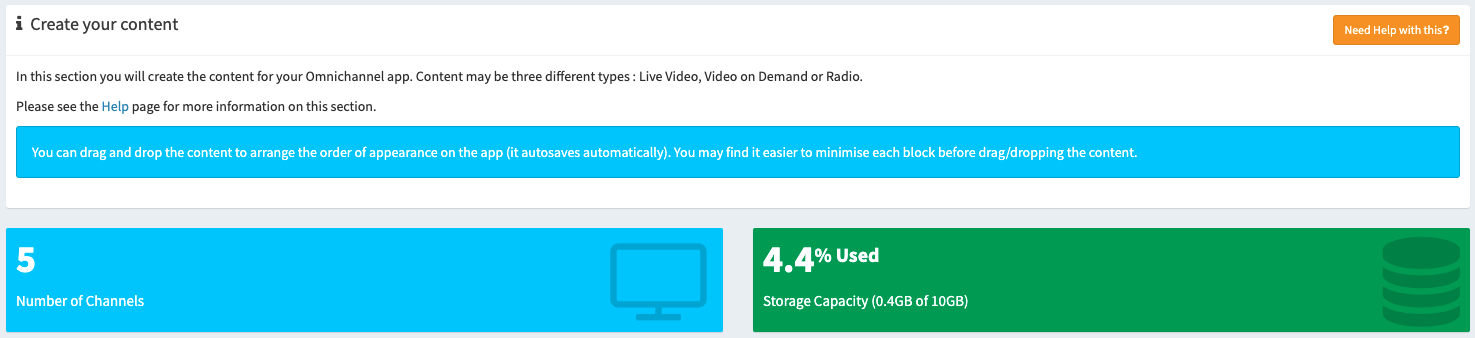
There are three types of content you can create, Live TV Streams, Live Radio Streams and Video On Demand.
Simply visit this page, select the Omnnichannel service, create an account and submit the info.
Simply sign up, create the content you want to broadcast (Live Radio, Live TV, On Demand video content and then select which platforms you wish to distribute the content to).