Backup Stream

  • Home
  • Backup Stream

Create a Backup Stream

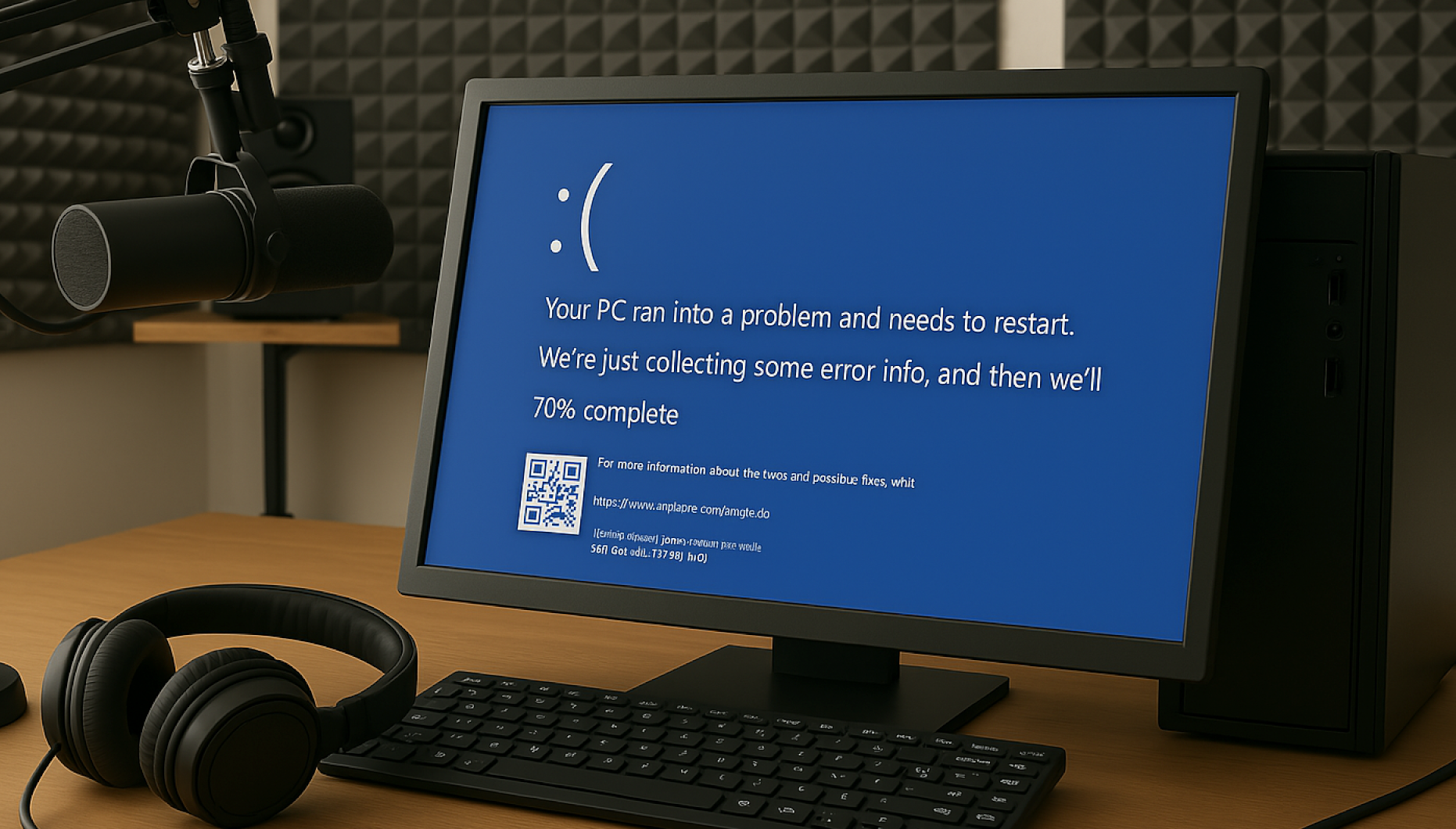
Ever had your playout go down? Your studio PC fail? Internet go down for a prolonged period?

This takes you off the air and you start losing listeners, not ideal.

Our Stream Backup service allows you to have a backup solution ready to go for this very situation.

Simply upload a few audio tracks that will playout to your streaming server, enter your streaming server details and you’re ready to go. You can upload or modify files in realtime and without stopping the audio stream.

Then, if you ever need to use the backup stream service, just log into our panel and click ‘Start’. Easy as that!

Once your playout/automation system is back up again, just log back in and stop the backup stream.

Be prepared for playout/automation/Internet/PC issues with our Backup Stream service.

Features

  • Instant Setup
  • Create a backup stream in minutes
  • Upload/Update files in realtime

How does it work?

Simply sign up, upload your backup files and enter your destination streaming server and you'll be back up online in seconds. You can upload up to 100MB of backup files (unlimited files up to 100MB) and enter the destination steaming server (to send the stream to), and you'll be online in minutes. Once your system is back online, simply stop the backup stream and you're back online.


Simply visit this page, select the Backup Stream service, create an account and submit the info.

You upload files that will be streamed to your streaming server via our platform in the event that your studio playout/automation is down. Simply upload as many files as you wish (up to 100MB) and then enter your streaming server details (where the stream is to be sent to) and just click "Enable" and we'll start sending a backup stream to your existing streaming server. Then, when your main playout is back online, simply log in and stop the Backup Stream.